What the Bevel?
There are many ways to affect how edges, and consequently faces are shaded in Blender. Many, many, many ways.
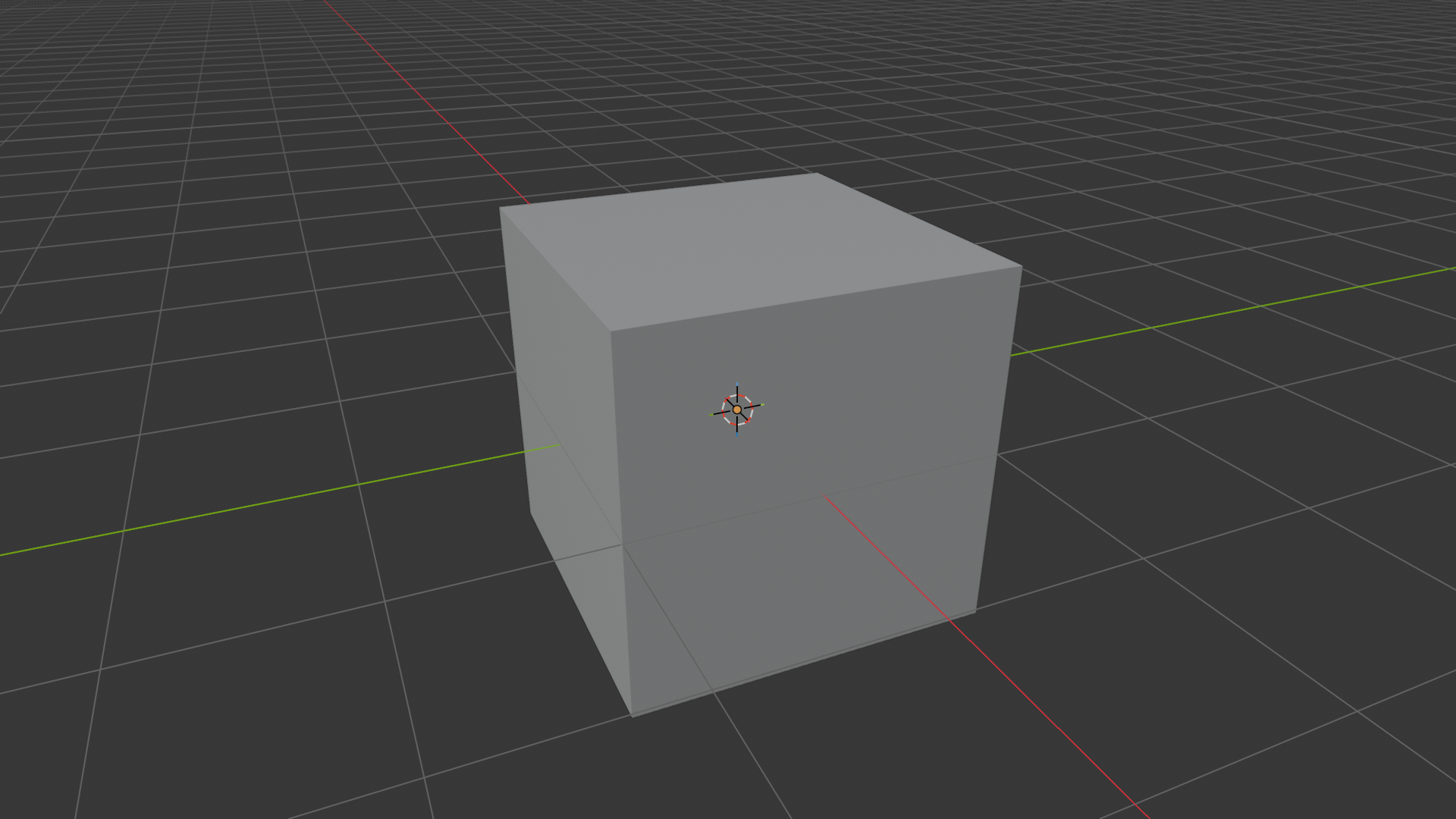
When you’re just modeling flat surfaces in Blender things are simple.
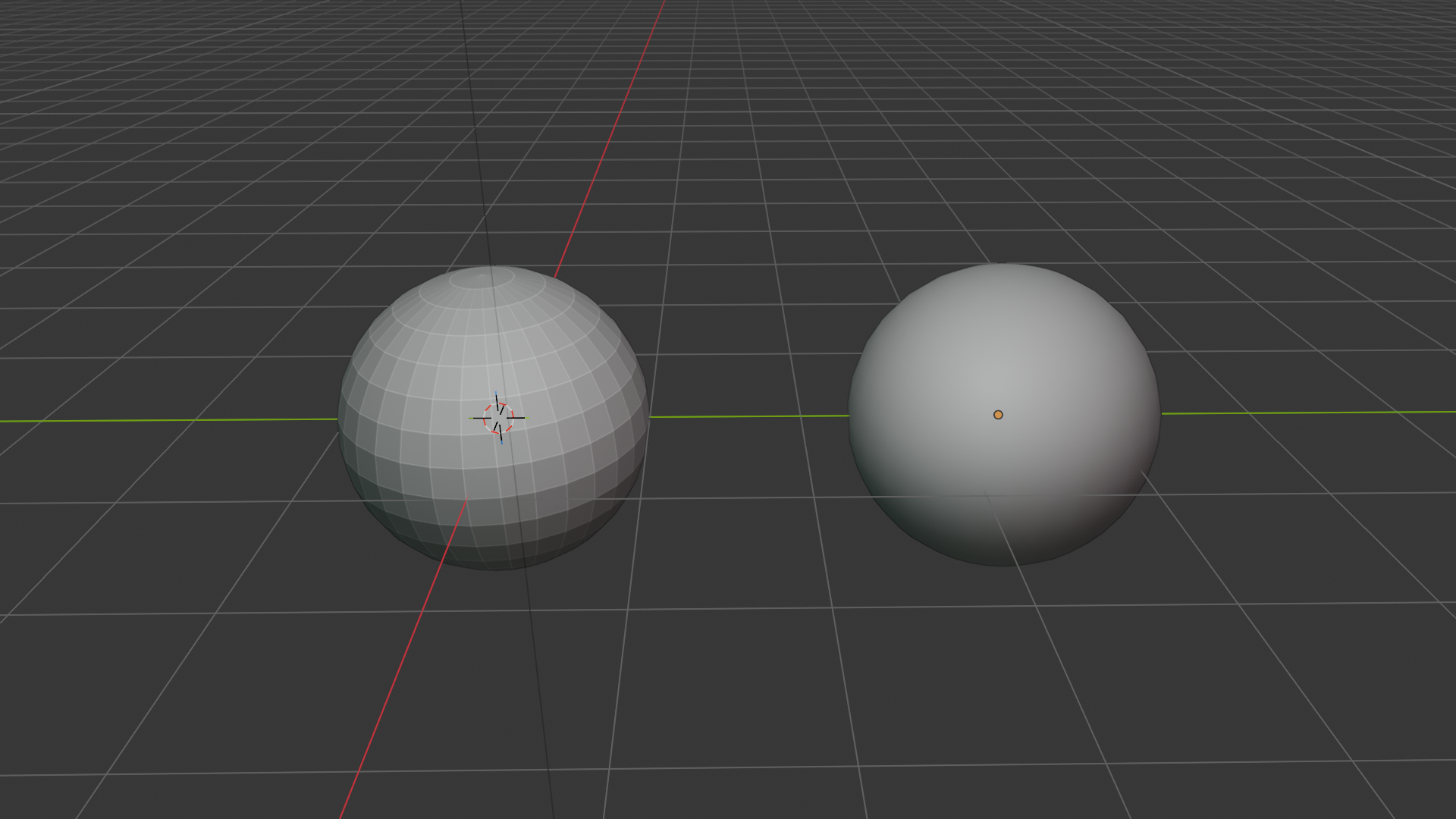
The first and most basic introduction of curved surfaces is adding a spherical object and enabling shade smooth on it. This just tells the renderer to interpolate the normals between faces when calculating the lighting leading to smooth surfaces instead of hard edges.
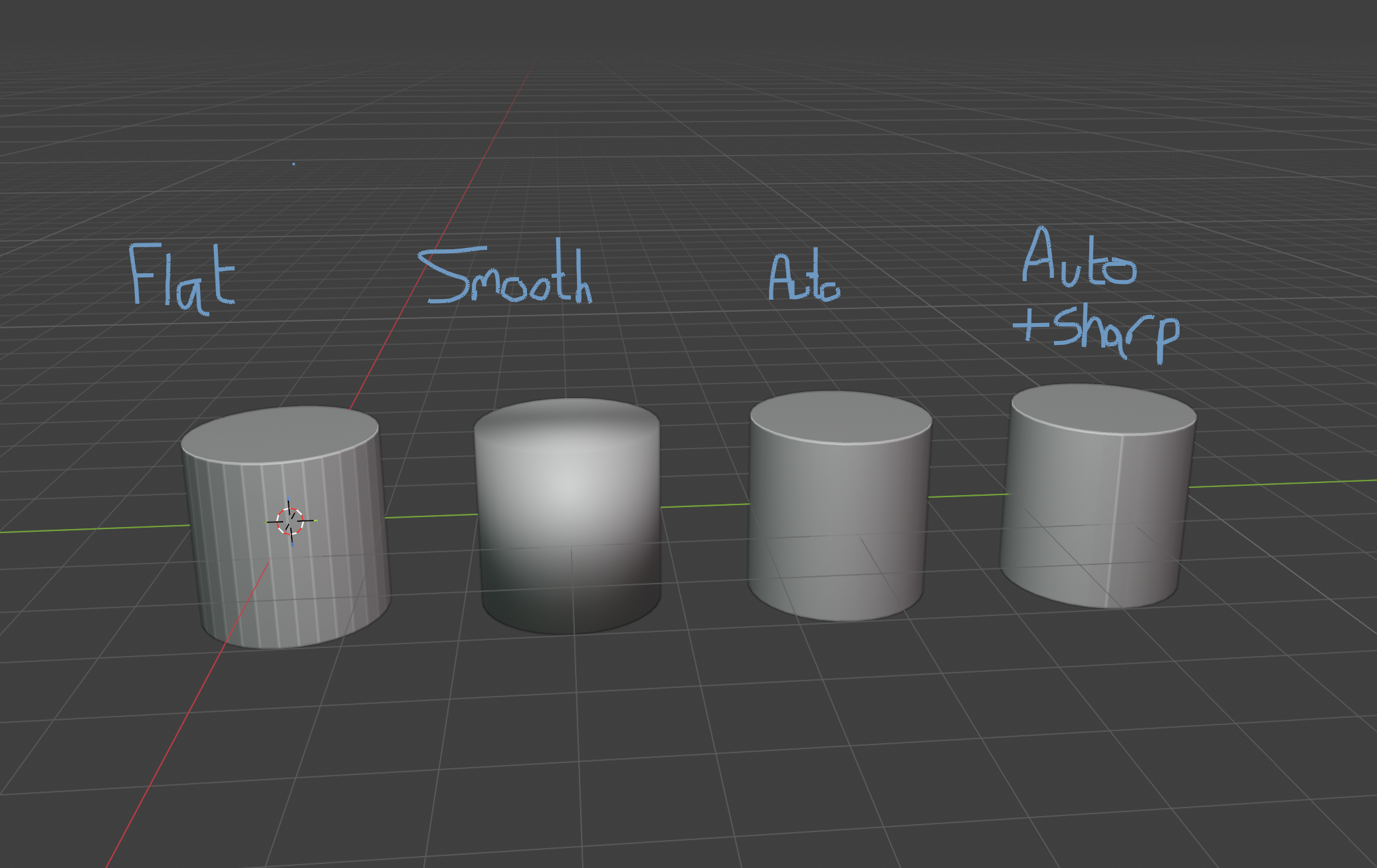
This does immediately create issues for object that need a mixture of flat and hard edges, such as a cylinder. In this case you can use the “Shade Auto Smooth” option which applies smooth shading but also adds a modifier to the object which causes edges that are greater than a chosen angle to remain sharp.
One additional option is that you can mark a particular edge as “Sharp” which will exclude that particular edge from the smoothing.
Next we have bevels, which typically offer the best solution for direct control of the profile of a curve between two flat surfaces. These can either be applied directly to the geometry, or used non-destructively with the bevel modifier.
This however can create some quite horrible shading issues already. The smooth shading averages the normals between the small faces of the bevel and the faces connected with it and can cause them to no longer be perfectly flat, especially where a flat surface is split into multiple coplanar faces.
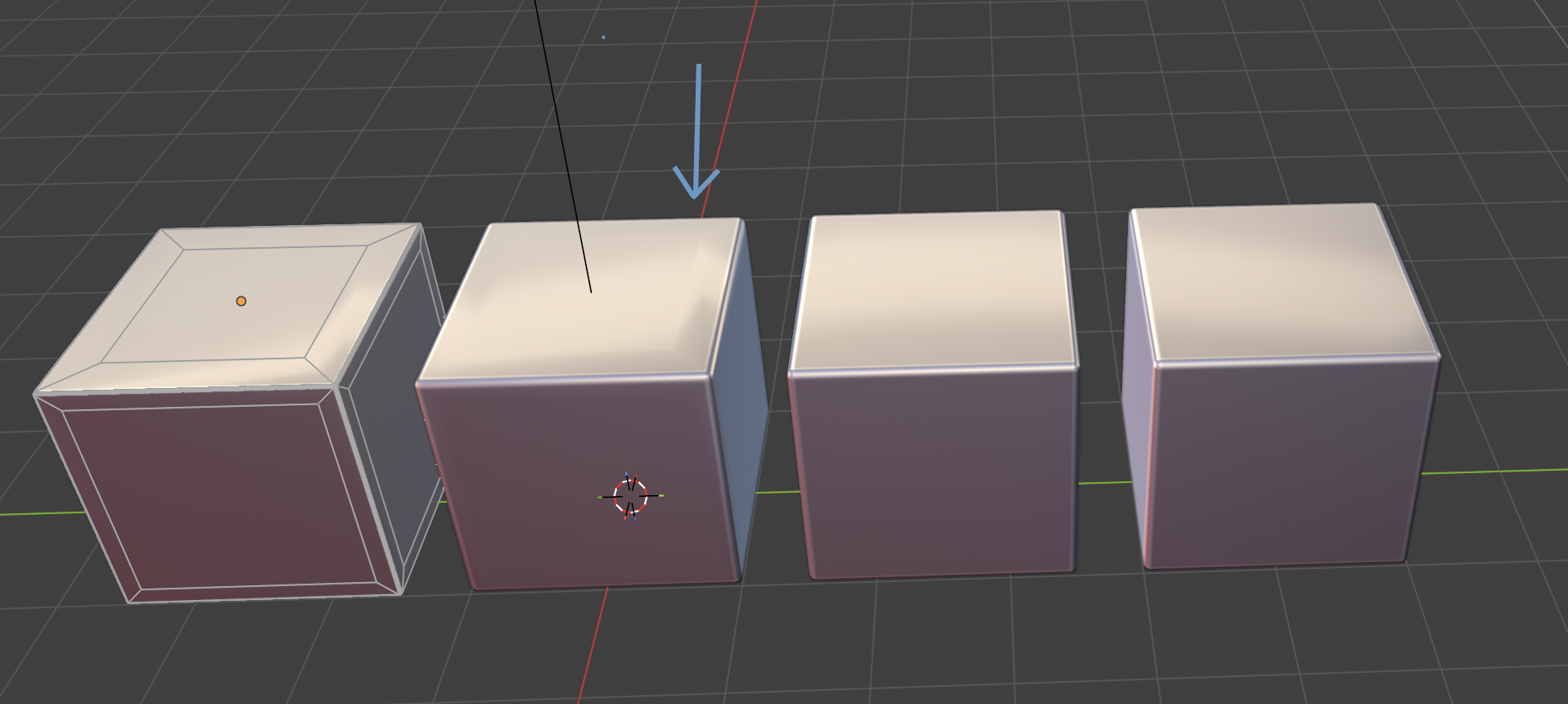
There are (at least) two ways to deal with this without having to alter the underlying geometry, though they won’t always be a perfect solution. The example above shows the issue on the second cube caused by an inset face near the bevel. The third cube shows the bevel applied with the “harden normals” option checked on the modifier, which attempts to preserve the normals of the faces surrounding the bevel. The final cube instead uses the Weighted Normal modifier, using the Face Area mode and applied after the bevel modifier. This changes the normal calculations to be weighted by the area of the faces involved, meaning the tiny bevel faces don’t have much influence and the normal direction is predominantly influenced by the large flat faces instead.
I will be continuing this in a follow up post on ways to retain hard edges, in particular when using the subdivision surface modifier.